
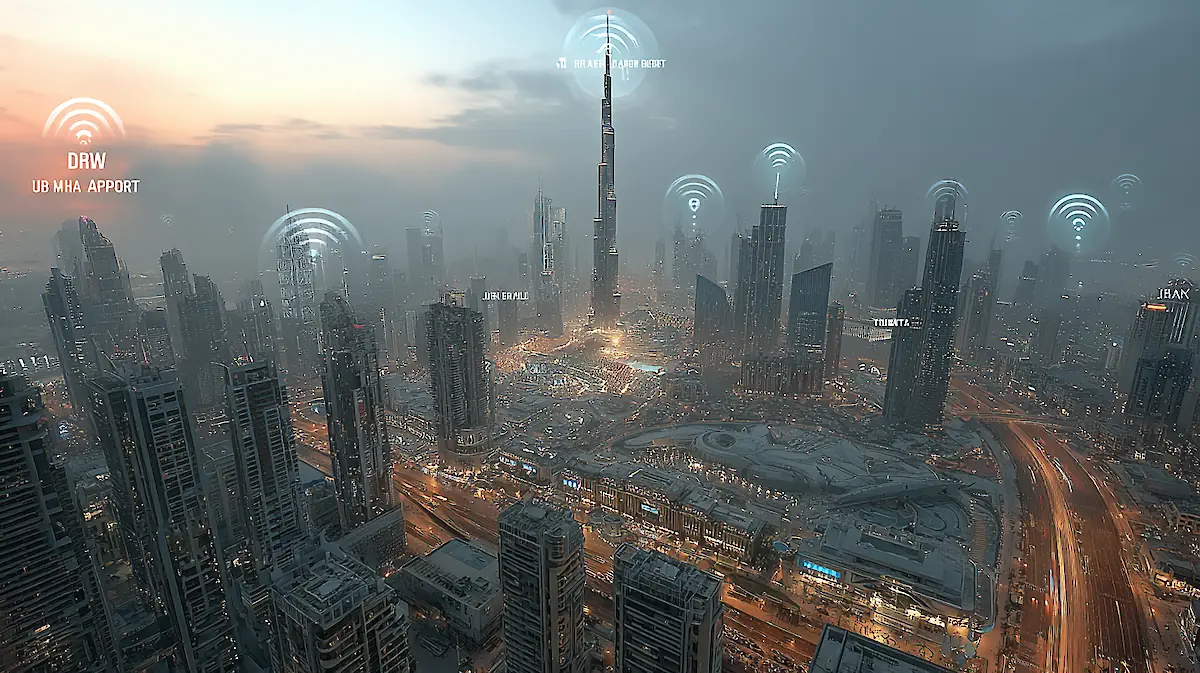
Where to find it, how to connect, and whether you can rely on it in the city of the future.
You step out of the air-conditioned metro car at the base of the Burj Khalifa, instinctively pull out your phone to shoot a story, and immediately face the main question of the digital age: “What’s the Wi-Fi password here?” In Dubai, a city where technology seems an integral part of the landscape, internet access is taken for granted. From “smart palm trees” on the beaches that charge your smartphone to the announced Starlink satellite internet on Emirates flights, the emirate is always striving to stay one step ahead. Let’s be honest: is it possible to survive in Dubai today by relying solely on free Wi-Fi? Or is it a trap for naive tourists that ends with buying the most expensive SIM card at the airport? We’ll take apart the entire system of Dubai’s “internet for all,” separate marketing promises from the harsh reality, and ultimately put together the perfect connectivity strategy for you that will save both money and nerves.
Dubai online: Where can you find free Wi-Fi?
First and foremost: forget the habit of looking for Wi-Fi by checking the menu of the nearest café. In Dubai, free internet is not a favor granted by individual establishments; it’s part of the ambitious city-wide “Smart Dubai” initiative. The emirate’s authorities have deliberately woven a digital web into the most important places for tourists. Therefore, a strong signal in a park or at a metro station isn’t luck-it’s the norm.
What is smart Dubai Wi-Fi?: This is not just a collection of individual access points, but a centralized city-wide network created to make Dubai the smartest and most convenient city in the world. It is thanks to this initiative that you can connect to the network at key tourist locations.
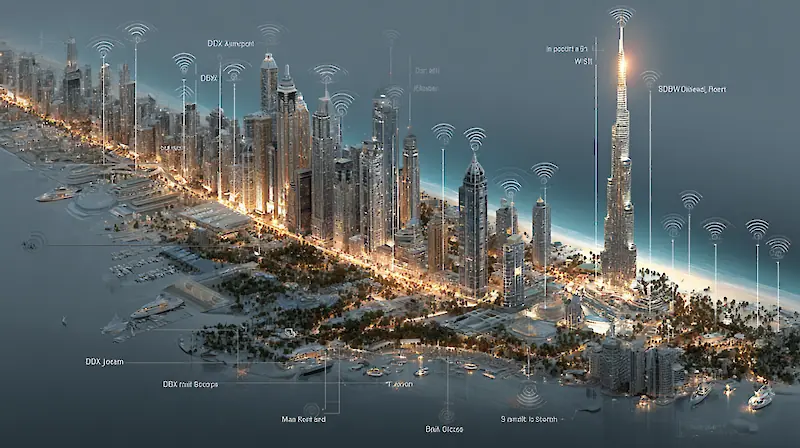
The network’s coverage area has been strategically designed so that you stay connected exactly where you need it most. Here are the main locations where you can count on a stable signal:
- Airports (DXB and DWC): As soon as you step into the cool air of the terminal, you’re already online. You can immediately call a taxi via an app, text your loved ones “I’m here!” or post your first selfie against the backdrop of the futuristic décor—before even reaching passport control.
- Public Transportation: Free Wi-Fi at all metro stations and at dozens of air-conditioned bus shelters is your lifesaver. Plan your routes in Google Maps, check the schedule, and don’t worry about getting lost in the urban jungle.
- Shopping malls: In massive malls like The Dubai Mall or Mall of the Emirates, it’s incredibly easy to get lost. The malls’ own high-speed networks will not only help you find the boutique you’re looking for, but also let you pass the time while your partner explores yet another store.
- Beaches, parks, and promenades: The network covers the most popular leisure areas, including The Beach at JBR, Kite Beach, La Mer, and Safa Park and Al Mamzar Beach Park. Share the perfect view of the Burj Al Arab on social media without even getting up from your sun lounger.
Testing the limits: How free Wi-Fi works in practice
The impressive scale of the network is one thing, but how convenient is it in real life? Let’s take a look at the features you’ll encounter when using free internet in Dubai.
The connection process: simple yet with nuances
The process of connecting to most networks is standardized: you select the desired network in your phone’s settings, after which an authorization page automatically opens in your browser. However, there are a couple of “pitfalls” you should be aware of in advance:
- One-hour session: In most locations (airport, metro, malls), the session lasts exactly one hour. Precisely after 60 minutes, the carriage turns into a pumpkin: the connection drops, and you have to start the entire registration process all over again. Be prepared for this.
- Identity verification: If you’re connecting with a foreign phone number to a du operator network, the system will ask you to enter your passport details after receiving an SMS with a verification code. This is not a formality but a mandatory requirement. A practical tip: keep a photo of the first page of your passport on your phone so you don’t waste time searching for the document.
Speed, stability, and the main “but”
The network’s performance is more than sufficient for basic tourist tasks: downloading maps, checking email, chatting in messengers, or finding information via a search engine. The average speed ranges between 10–30 Mbps. However, be prepared for the fact that during peak hours and in crowded areas, the speed may drop significantly. But the main limitation lies elsewhere.
Important limitation: forget about calls on WhatsApp: This comes as a major shock to many tourists. You can spend hours in messaging apps, sending photos and stickers, but as soon as you press the button for a voice or video call on WhatsApp, Telegram, or FaceTime, you’ll be met with silence. This isn’t a malfunction or a weak signal; it’s a result of the UAE’s government policy to block VoIP services. So, sending your mom a message saying, “Everything’s fine!” is no problem—but making a call to hear her voice? Unfortunately, that’s not possible. Keep this rule in mind to avoid unnecessary frustration.
“Smart Palms”: a futuristic oasis for your gadgets
One of the most recognizable and useful features of the city’s Wi-Fi network is the “Smart Palms.” These high-tech structures, powered by solar energy, have been installed at dozens of beaches and parks. They not only look like futuristic art objects but also perform two functions that are extremely important for tourists: they provide stable Wi-Fi within a radius of more than 50 meters and allow you to charge your phone for free via built-in USB ports.
Free Wi-Fi vs. a SIM card: What should a tourist choose?
To make an informed decision, it’s important to understand what paid alternatives exist and what their key advantages are.
Your alternatives: SIM, eSIM, and tourist packages
In addition to the city network, you have three main ways to get mobile internet:
- Free SIM card upon arrival: At passport control in the airport, tourists are often given a free SIM card (usually from the operator du) with a starter data package (for example, 10 GB for 24 hours), which can then be topped up.
- Buying a tourist SIM card: At the airport or in du and Etisalat retail stores, you can purchase a full-fledged tourist package with a large data allowance.
- eSIM: The most modern option is to activate a virtual SIM card from international providers before your trip so that the internet works as soon as you land.
| Parameter | Free Public Wi-Fi | Tourist SIM Card (physical) | eSIM |
|---|---|---|---|
| Cost | Free | from 50–100 AED | from 4.5 USD (~17 AED) |
| Speed and Stability | Average, unstable under load | High and stable (4G/5G) | High and stable |
| Coverage | Only in public areas | Almost complete coverage across the UAE | Almost complete coverage across the UAE |
| Ease of Use | Requires frequent re-registration | "Insert and forget" | Instant activation without a physical card |
| Limitations | Session limit of 1 hour, VoIP blocking | VoIP blocking | VoIP blocking |
So who wins this battle? The answer: common sense. Treat free Wi-Fi as a pleasant bonus, like a cup of free coffee at a hotel, it can enhance your stay but won’t replace a full meal. For true freedom of movement and uncompromising connectivity, mobile internet remains indispensable.
Your connectivity strategy in Dubai: How to stay online without excessive costs
The best way to stay connected in Dubai is to choose a strategy that matches your travel style and internet needs. Here are three ready-made scenarios.
Scenario 1: “Digital Ascetic” (connection costs: zero)
- For whom: For those who want to keep connection costs to zero.
- What to do: Make active use of free Wi-Fi in hotels, airports, the metro, and shopping malls. To navigate the city, download offline maps in advance. This scenario is ideal if you only need the internet for searching for information and occasionally sending text messages.
Scenario 2: “The Smart Optimizer” (the best balance for 90% of tourists)
- Who it’s for: Most tourists who want a reasonable balance between price, convenience, and connection quality.
- What to do: Upon arrival at the airport, activate the free tourist SIM card provided at passport control (it usually includes a starter package of 10 GB valid for 24 hours). Use mobile internet for navigation and communication on the go, and switch to free Wi-Fi in areas with good coverage (malls, beaches, hotels) to save on your data plan.
Promotional offers may change; we recommend checking the details at the operator’s desk upon arrival.
Scenario 3: “The Content Master” (connection without compromise)
- Who it’s for: Business travelers, bloggers, and anyone who needs a reliably stable and fast connection for video conferencing, uploading large files, and actively managing social media.
- What to do: Don’t rely solely on free Wi-Fi as your primary source of connectivity. The optimal solution is to purchase an eSIM from an international provider in advance or obtain a full-fledged tourist SIM card with a large data package upon arrival.
So can you count on free Wi-Fi in Dubai?
So can you rely on free Wi-Fi in Dubai? Our answer: yes, you can, and you should, but use it wisely. The Dubai network is neither a myth nor a marketing gimmick-it’s a real, powerful tool in every traveler’s arsenal. However, like any tool, it excels at specific tasks. It can help you save gigabytes of data while shopping in malls, but it won’t let you make calls to your loved ones. It can assist you in planning your metro route, but it may disconnect after just an hour. The key takeaway is simple: for most travelers, the smartest approach is a hybrid strategy that combines using free Wi-Fi in suitable locations with having a SIM card for reliable connectivity at all other times. Ultimately, internet access in Dubai isn’t just a technical feature—it’s an integral part of your overall experience of the city. A well-thought-out connectivity strategy acts as the invisible thread that keeps your trip smooth and comfortable, freeing you from worrying about dropped connections so you can simply focus on enjoying the moment. Approach your choice of internet as carefully as you choose your hotel or tours—and then the technologies of this city of the future will work exclusively in your favor.














Comments